
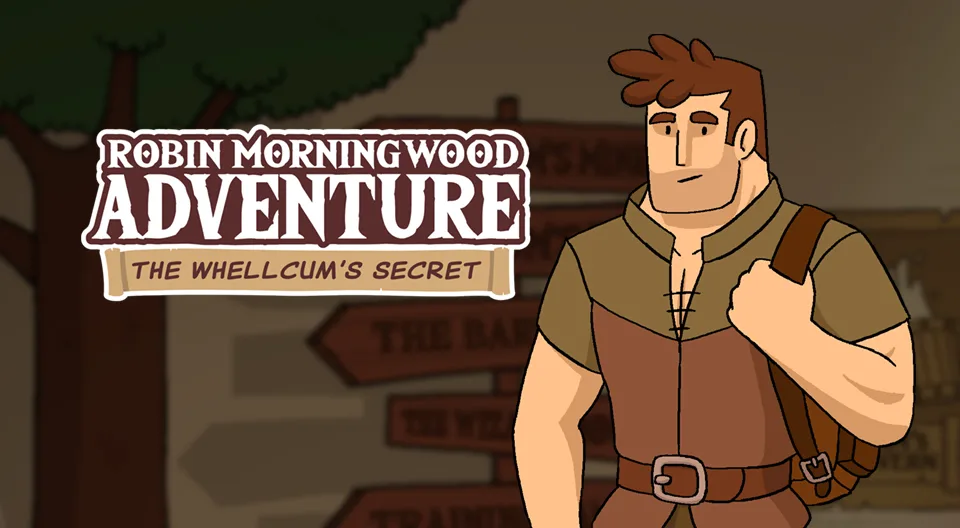
Unity Robin Morningwood Adventure: The Whellcum's Secret
 Steam ·
  Itch.io ·
  Twitter ·
  Discord ·
  Patreon
Updated: 2026-01-22
Patreon
Updated: 2026-01-22

 BUZZHEAVIER
 DATANODES
 MIXDROP
 PIXELDRAIN
 VIKINGFILE
 ANONYMFILE
 GOFILE
 HEXUPLOAD
 MEGA
MEGA ANONFILE
 UPLOADHAVEN
 FILESFM
 NOPY
NOPY WORKUPLOAD
To play use steamclient_loader_64.exe located in folder experimental_steamclient.


About this game
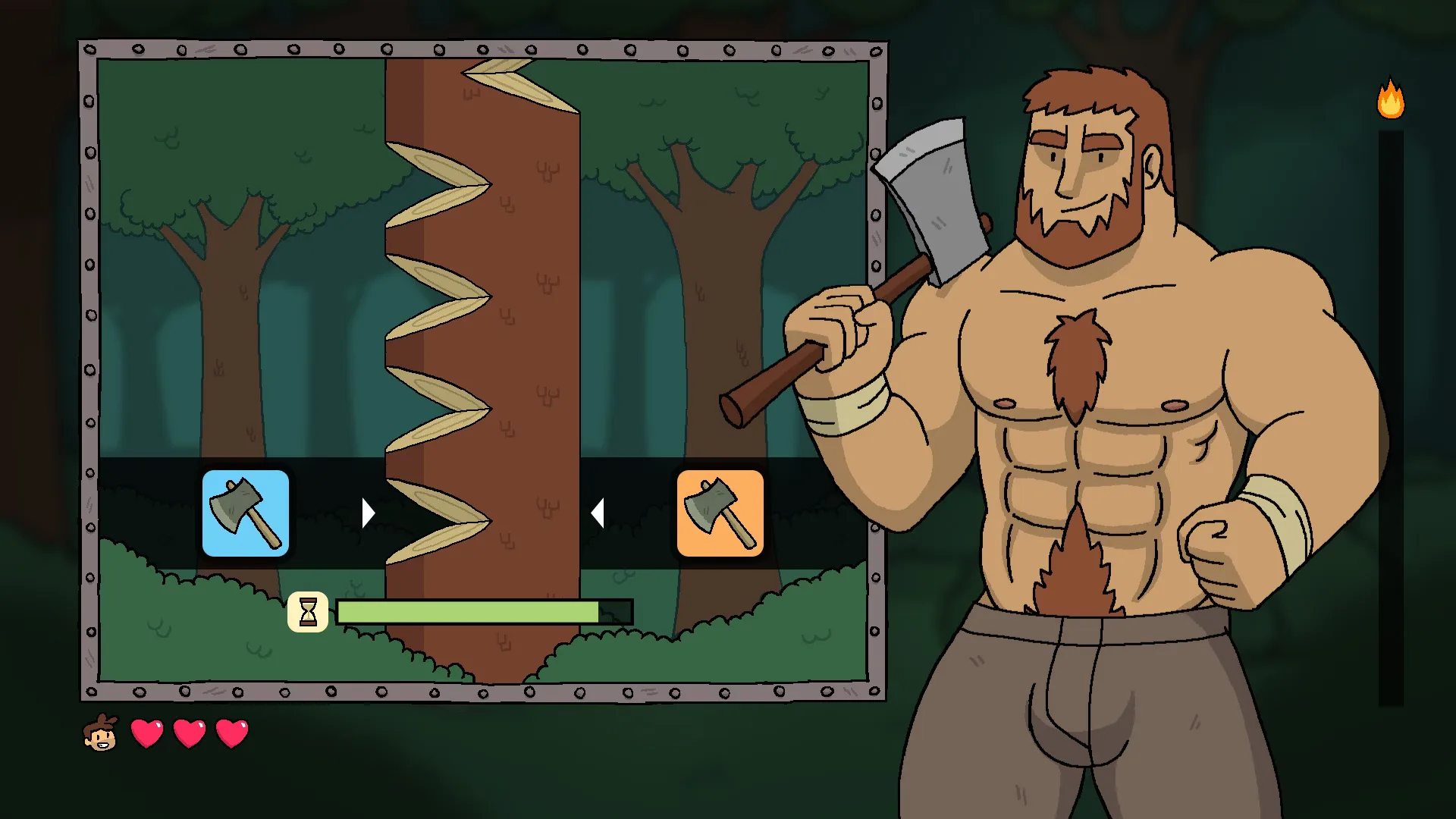
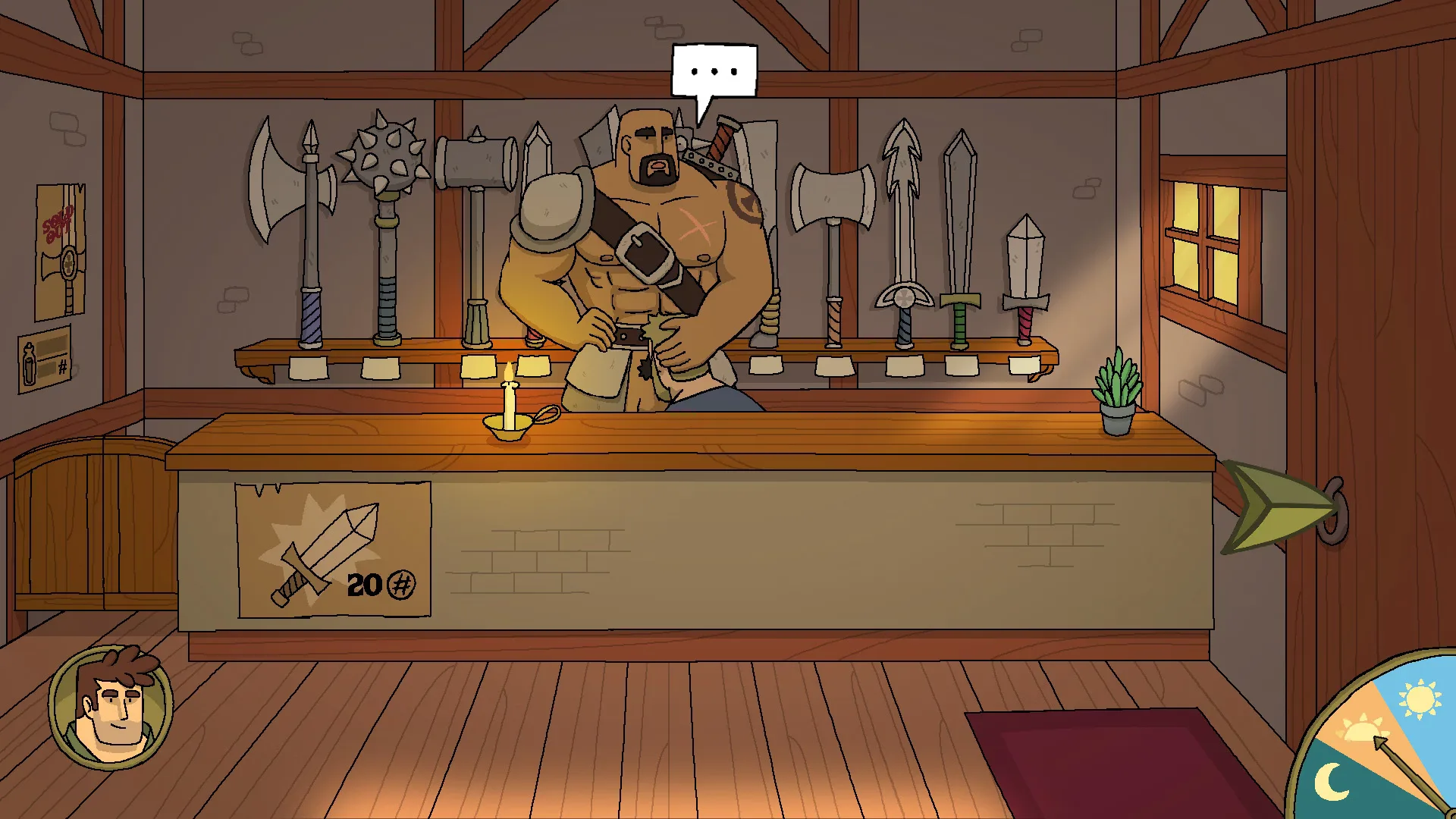
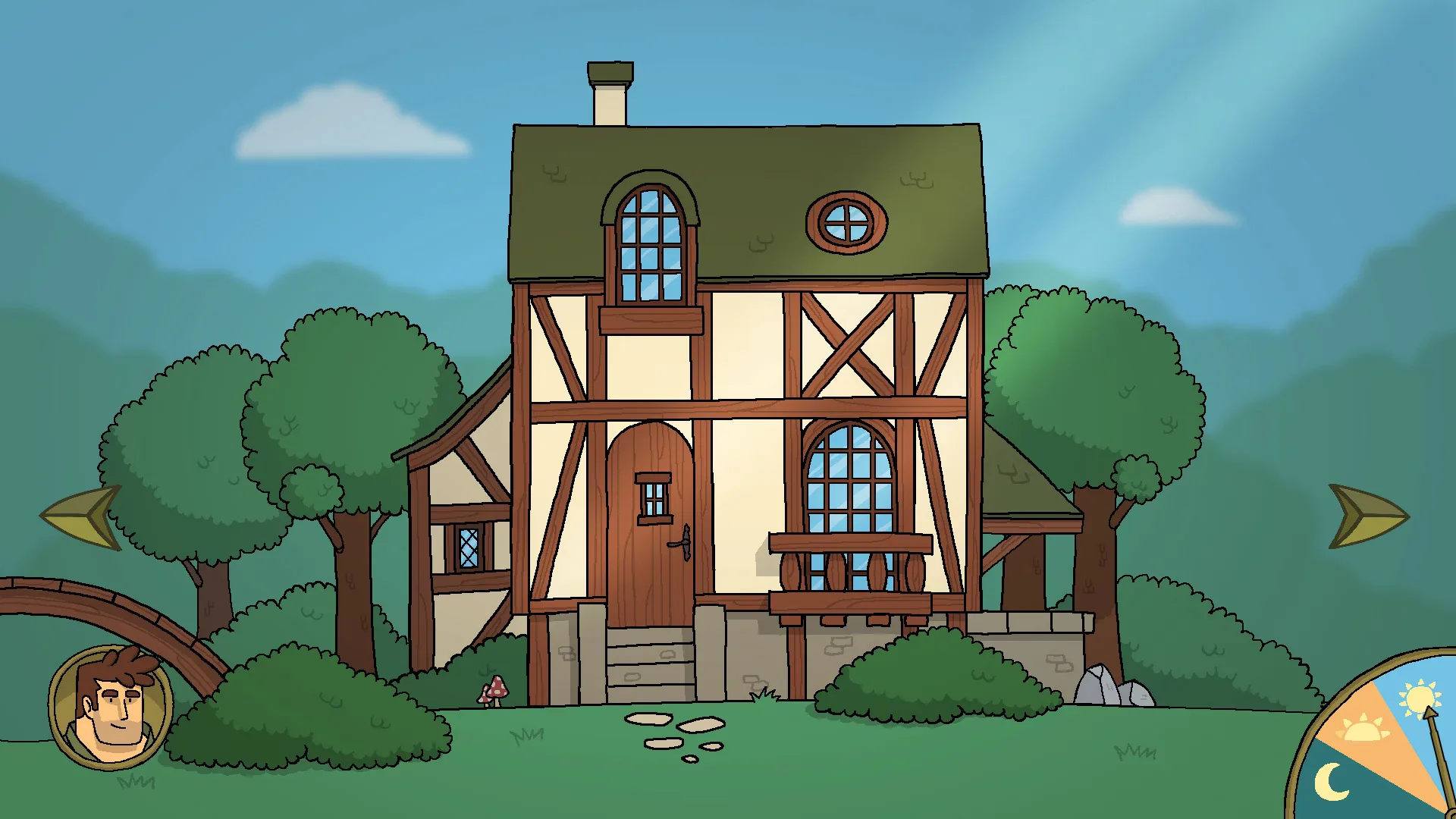
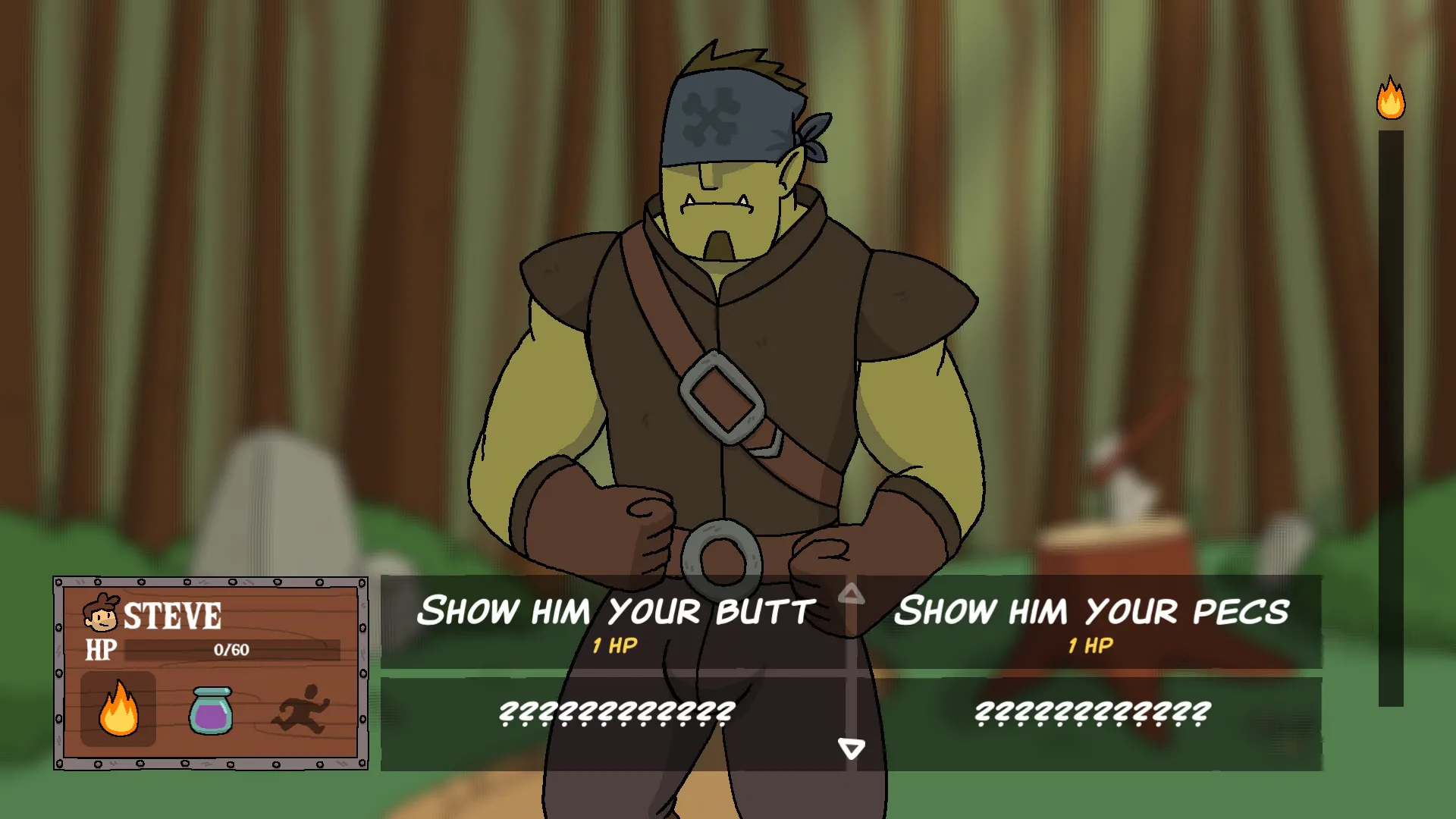
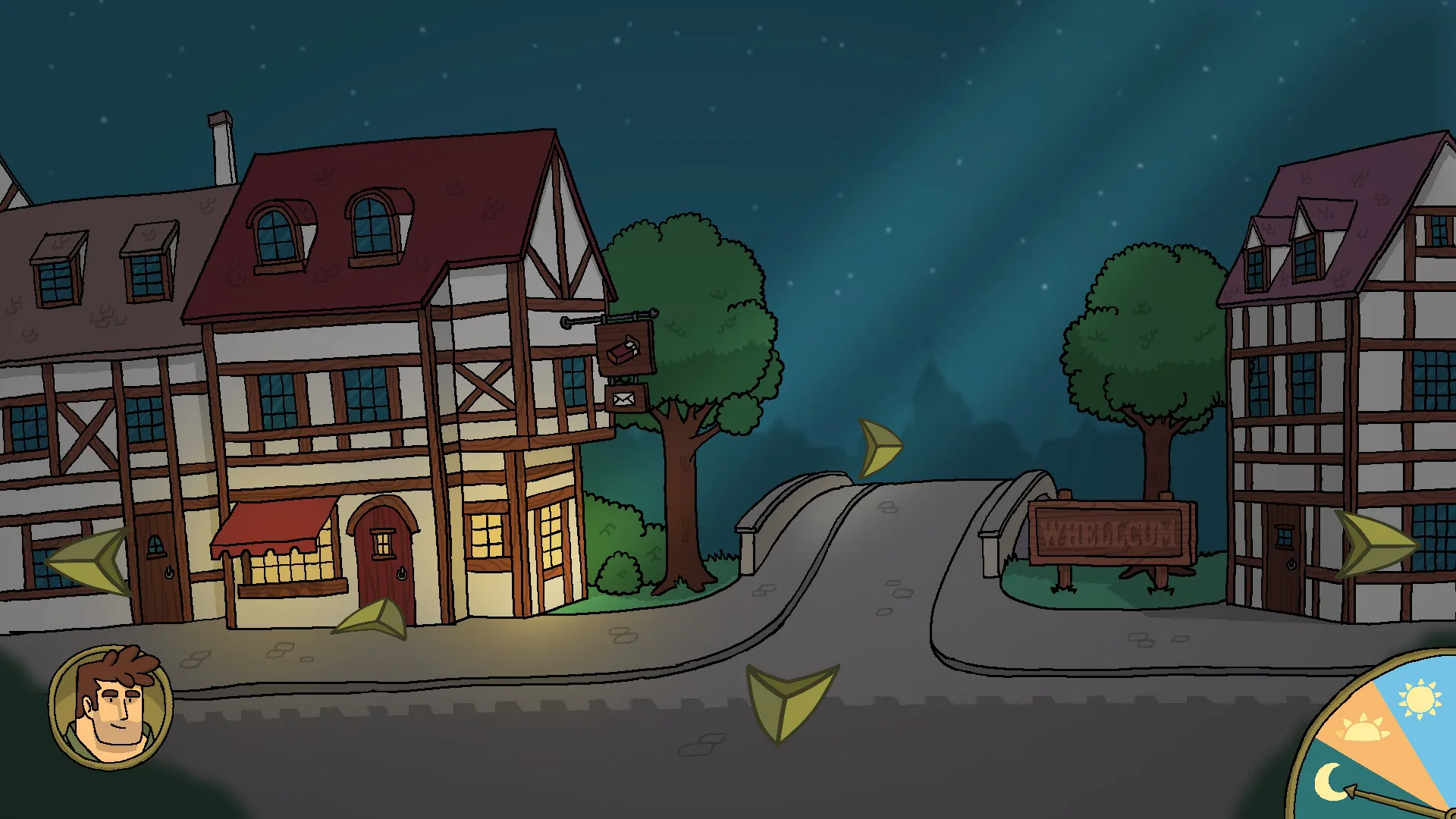
Robin Morningwood Adventure: The Whellcum's Secret drops Robin into the village of Whellcum after a long journey, only to find every villager is gay and a tyrant king is pulling the strings somewhere off-page. The setup is part comedy, part fantasy mystery, played out across point & click exploration and quest-driven RPG mechanics.
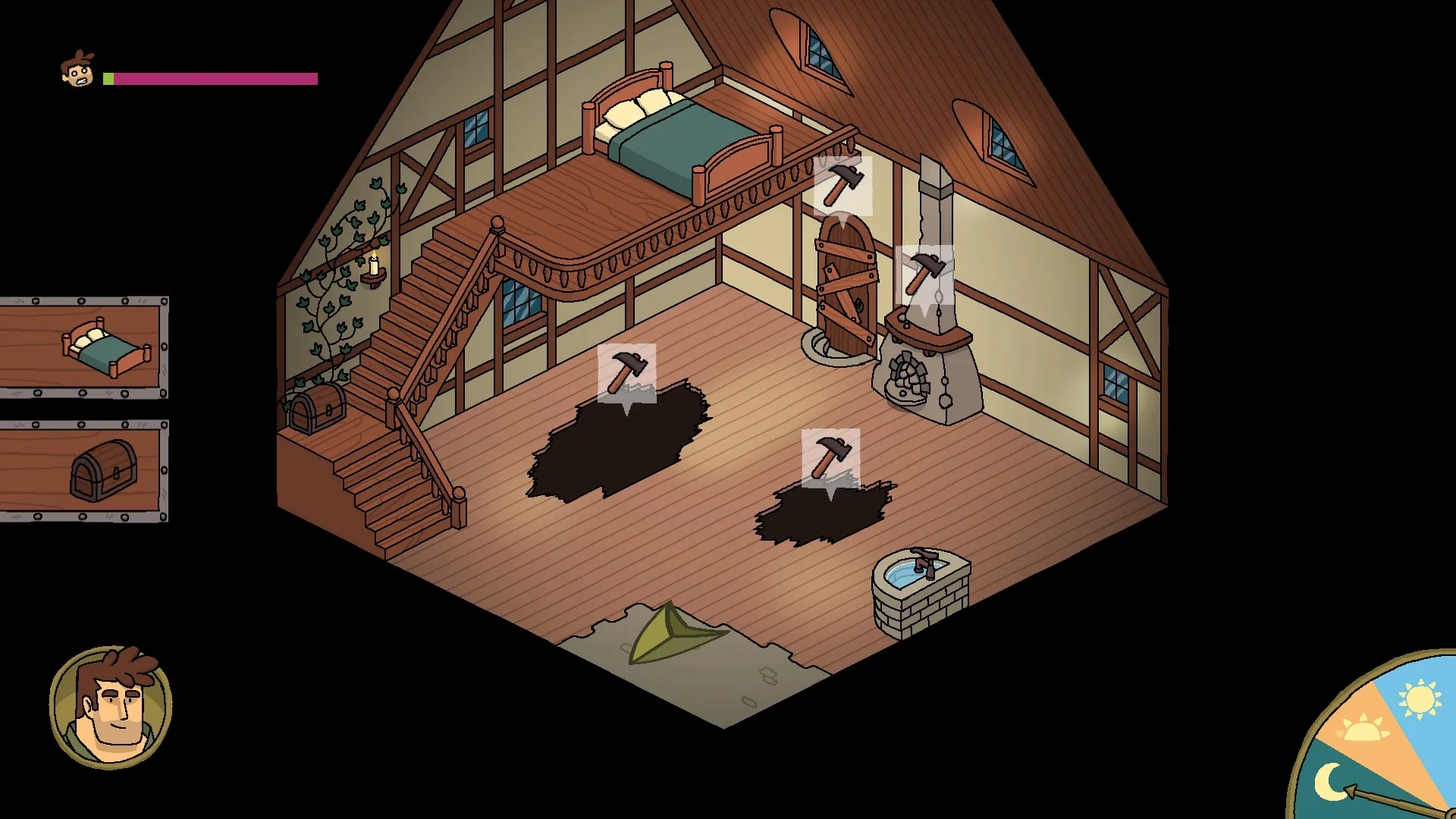
The core loop blends help-the-village quests with dating sim routes: you build your own house, befriend the locals, get tangled in the kingdom's politics, and slowly piece together Whellcum's hidden secret. Every villager has their own story arc and their own bedroom door waiting to be opened.
The signature mechanic is the underwear collection. Snag a pair from a villager and Robin can sniff it, replaying that character's hottest memory firsthand. It is as ridiculous as it sounds, and that's exactly the tone Grizzly Gamer Studio went for: a fully gay 2DCG adventure that doesn't take itself too seriously.
Changelog
Installation
- To run the game use "experimental_steamclient\steamclient_loader_64.exe"
- To make a Desktop shortcut with the proper icon use "experimental_steamclient\000-INSTALL-000\create_shortcut.bat"
How to keep your save file:
- About the Android version, unfortunately, the fix we had made to make sure the update would work isn't working for everybody.
- So to make sure you keep you save file, you'll have to manually backup it.
- To do that, you'll have to use a file explorer, and find your saves in /Android/data/com.GrizzlyGamer.RMAWhellcum
- Copy everything that's in there and paste it somewhere else, In your download folder for exemple.
- Uninstall the game, and install the update.
- Now you can copy all the files you backed up earlier, and copy them in the save folder: /Android/data/com.GrizzlyGamer.RMAWhellcum
How to keep your save file:
About the Android version, unfortunately, the fix we had made to make sure the update would work isn't working for everybody.
So to make sure you keep you save file, you'll have to manually backup it.
To do that, you'll have to use a file explorer, and find your saves in /Android/data/com.GrizzlyGamer.RMAWhellcum
Copy everything that's in there and paste it somewhere else, In your download folder for exemple.
Uninstall the game, and install the update.
Now you can copy all the files you backed up earlier, and copy them in the save folder: /Android/data/com.GrizzlyGamer.RMAWhellcum
(Say 'Thank You' to Ink Is In My Blood for these Instructions)
For Mac:
To install the OSX version, you'll have to download all "MAC OSX VERSION (5.0) File x" packages in the same folder.
You will end up with 2 zip files (don't rename the files, they should be named RobinMorningwoodAdventure_0.5.2.zip.001 and RobinMorningwoodAdventure_0.5.2.zip.002).
Unarchive them (using 7zip for exemple) to get the .dmg you can install like usual.
(Say 'Thank You' to Ink Is In My Blood for these Instructions)
Similar games